











The nonsense elements give me a kick.
Free to use, etc etc etc.
An author's collection of thoughts and stories
The nonsense elements give me a kick.
Free to use, etc etc etc.

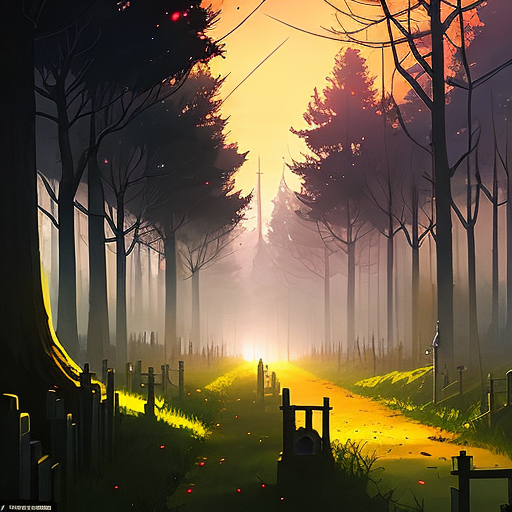
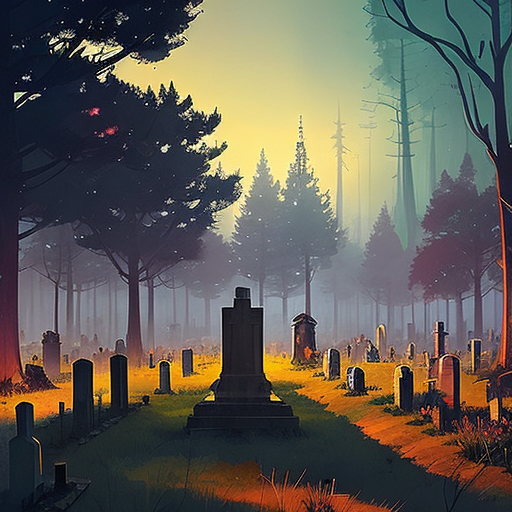
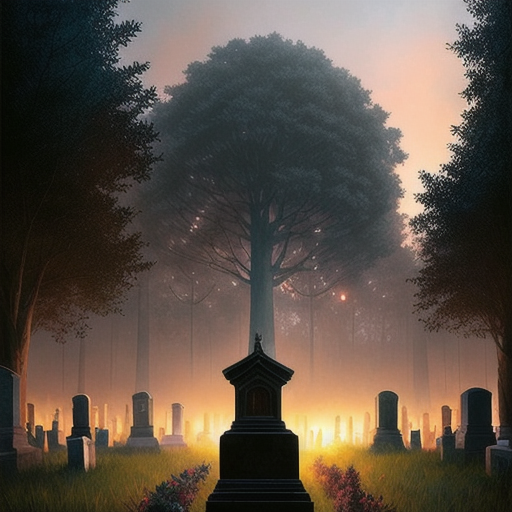


…
Yeah, I’m thinking about death.





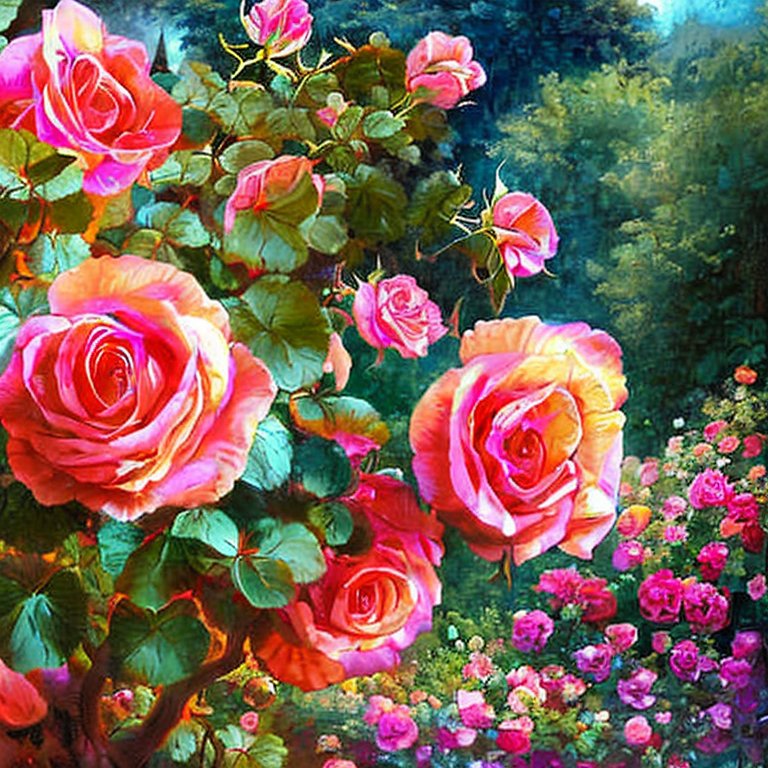
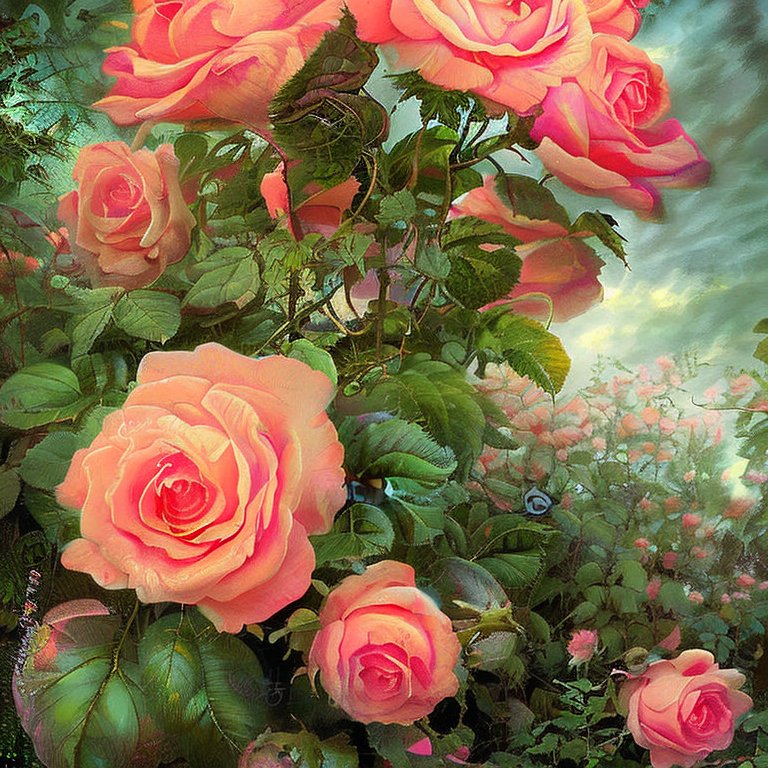
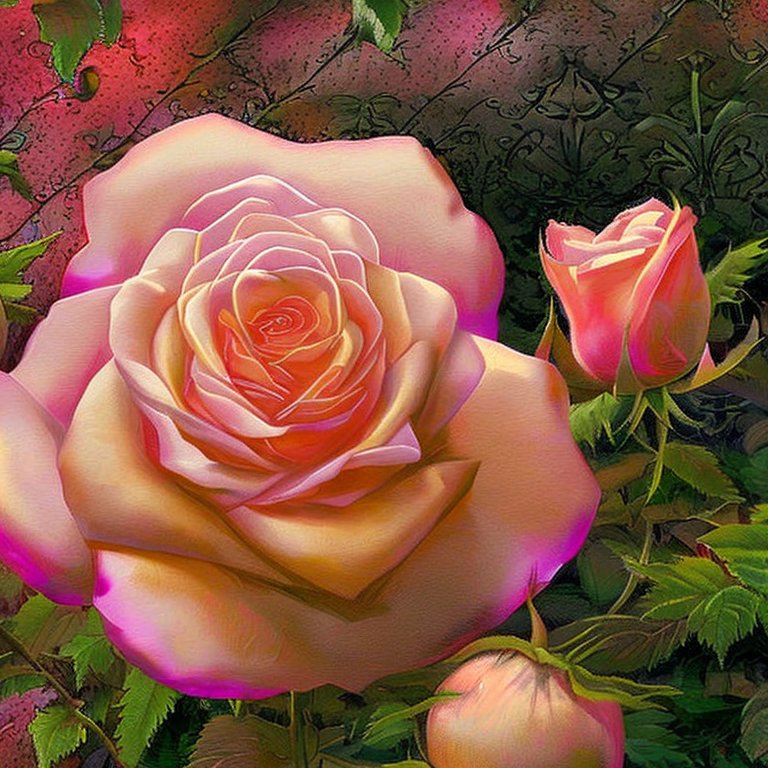


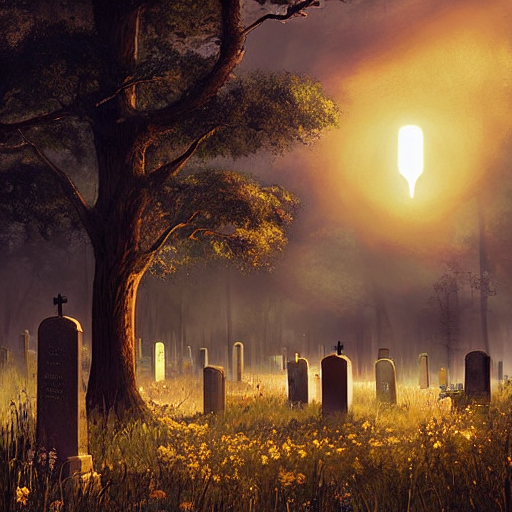
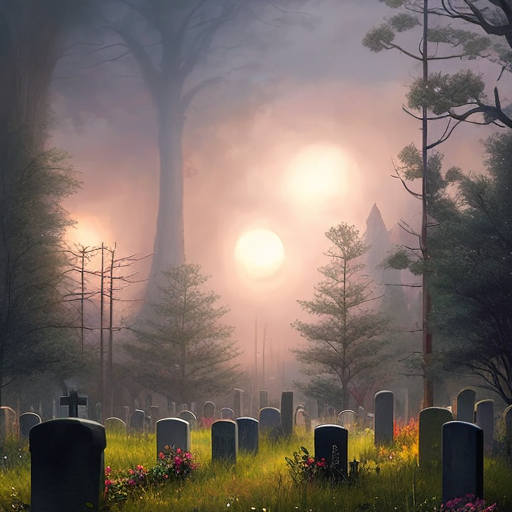
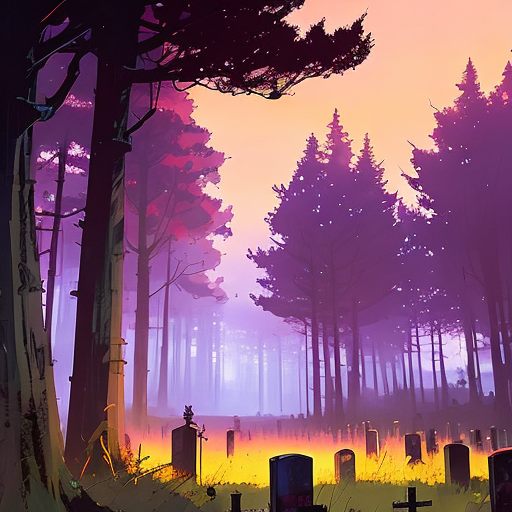
This was a doodle I did in GIMP back when my laptop was brand new, in 2021(I dunno why I made it so dark). I put it into Stable Diffusion as a starter image, and played around with the settings.
Just as an FYI, AI art is insanely image heavy. I have a number of pictures related to this experiment, but only picked my favorites to share.








So … this is insanely revolutionary. I really want to nerd out over how this is going to totally change our digital landscape and expressions of creativity.
As I’ve said before, I think heavily in words (I am, at my core, a writer after all). With effort, I can conjure up basic images in my mind, but all of those little details escape me — my doodle is about as close to realistic as I can manage. This might not make much sense, but AI art lets me describe the shape of the words in my head, and translates them over into a picture for me.
It’s kind of cool to realize that I’m not as vague with writing descriptions as I thought I was.
We have Stable Diffusion installed at home, but my husband is still ironing out the technical wrinkles, so to speak. Despite that, I generated over 300 pictures in 24 hours, lol. The huge majority get discarded for coherency issues — missing limbs, deformed faces, etc.
Once we get it up and properly running, I’ll write up a tutorial.
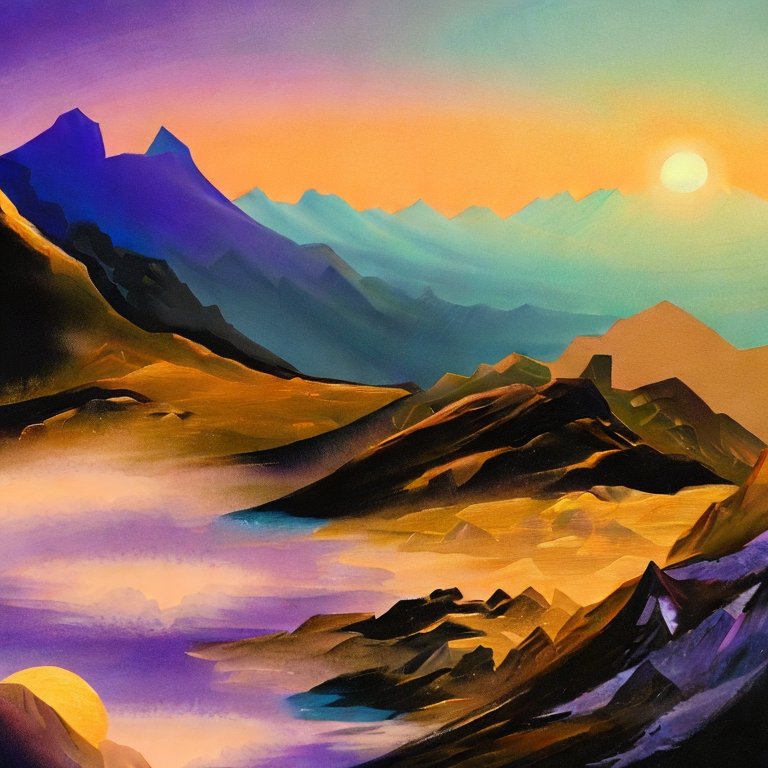
For reference, this is what the same settings used in the last picture produce without the starting image:


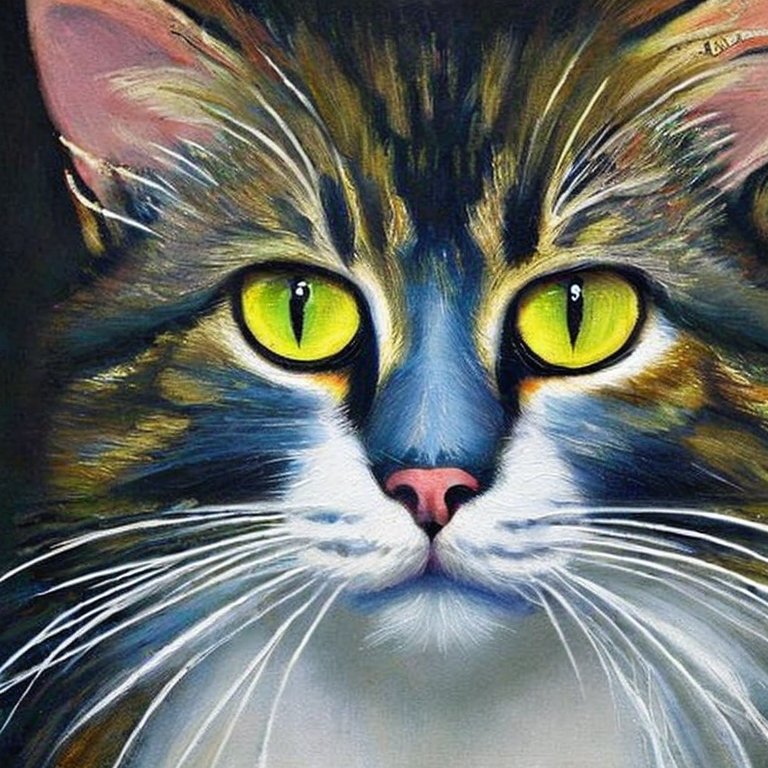


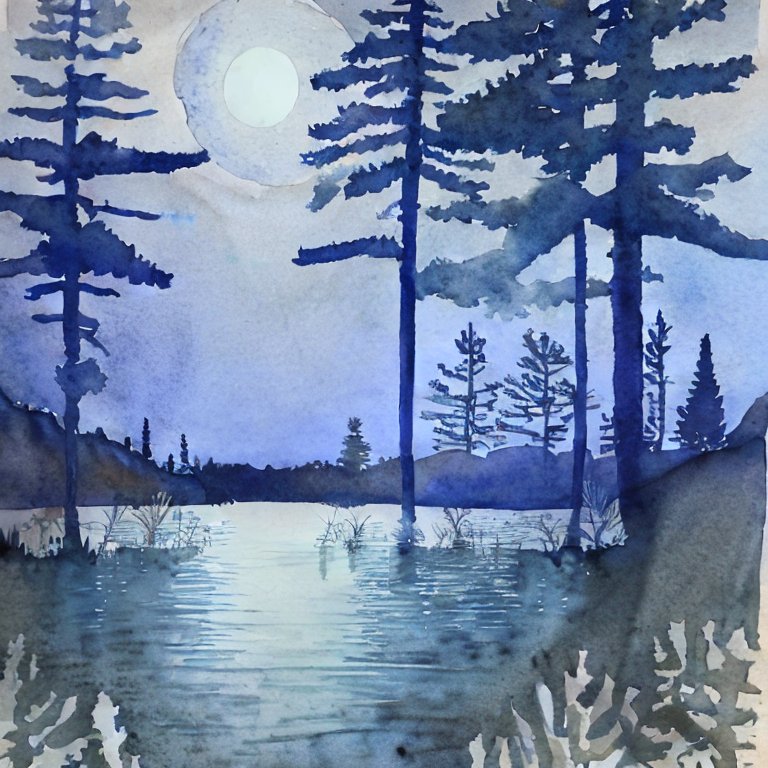


I’m thoroughly terrible at documentation, so I didn’t write a single thing down. Whoot whoot, go me!
At this point, my husband has decided that we need to get Stable Diffusion set up at home, so we can make lots of pretty pictures without spending “credits” through host sites. Also because we’re the sort of nerds that enjoy making minute changes to see what effect it has, and that’s very difficult when one is working with limited numbers.
So, with this round of learning, I took the same prompt, “Yellow rose in a glass vase. Centered composition,” and changed the art style. I do remember that one of them I put down “Lisa Frank,” but I bet that you can’t guess which one. Another one was, “Magic realism.”
Also, since I used the Stable Diffusion Demo for these, I had no control over the seed or any other technical settings.
I need to get into the habit of documenting.
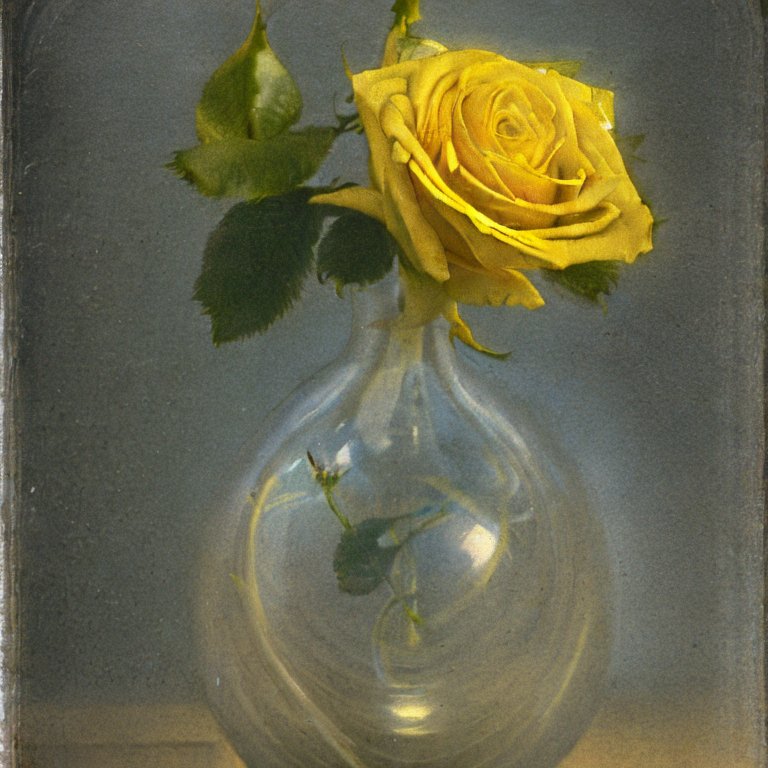

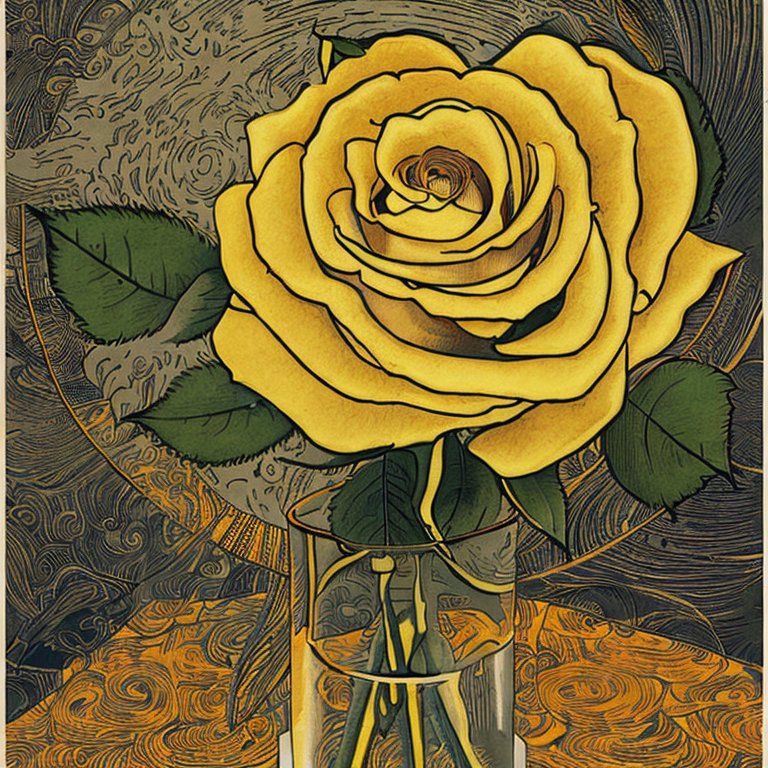

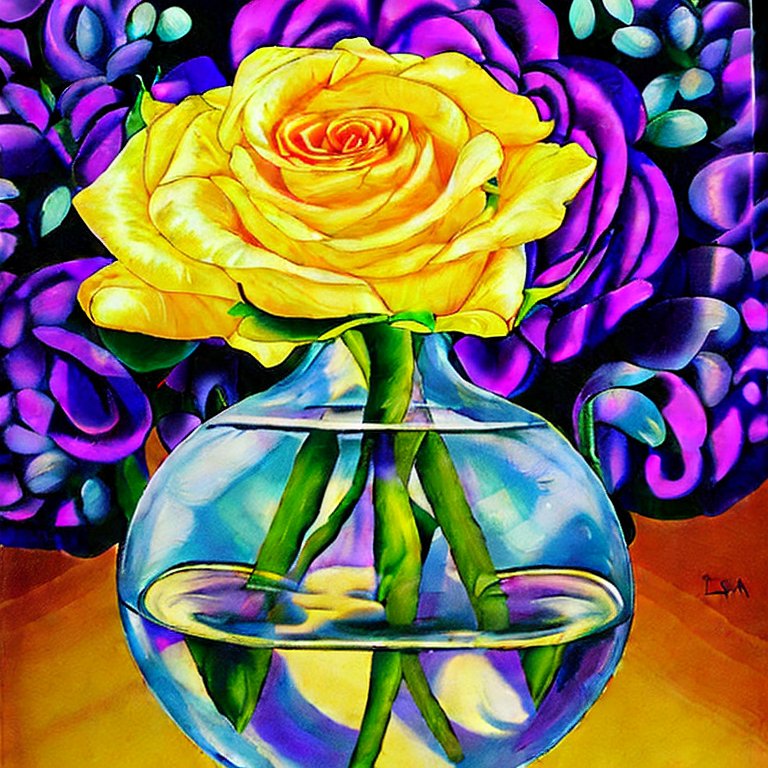
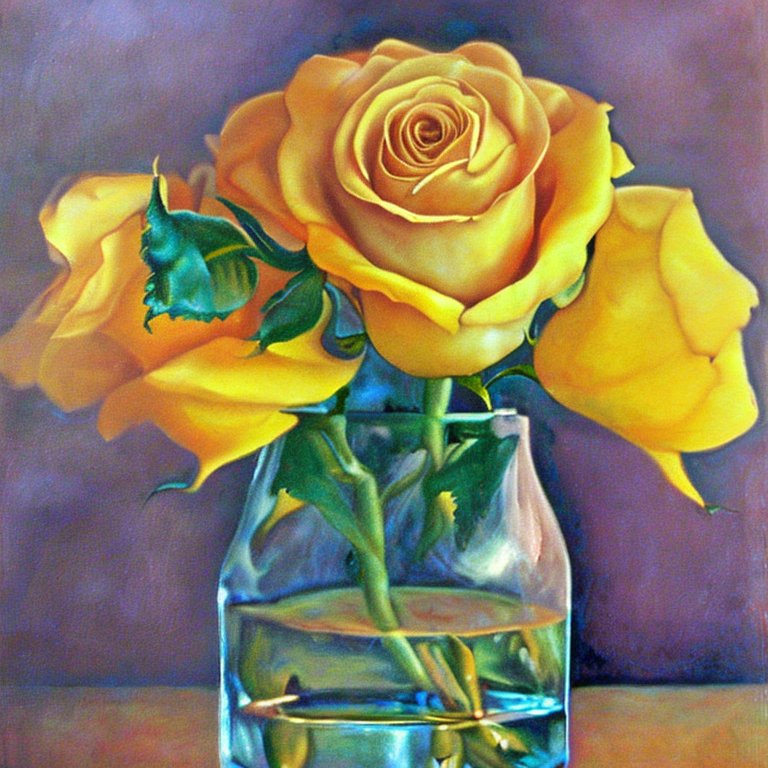
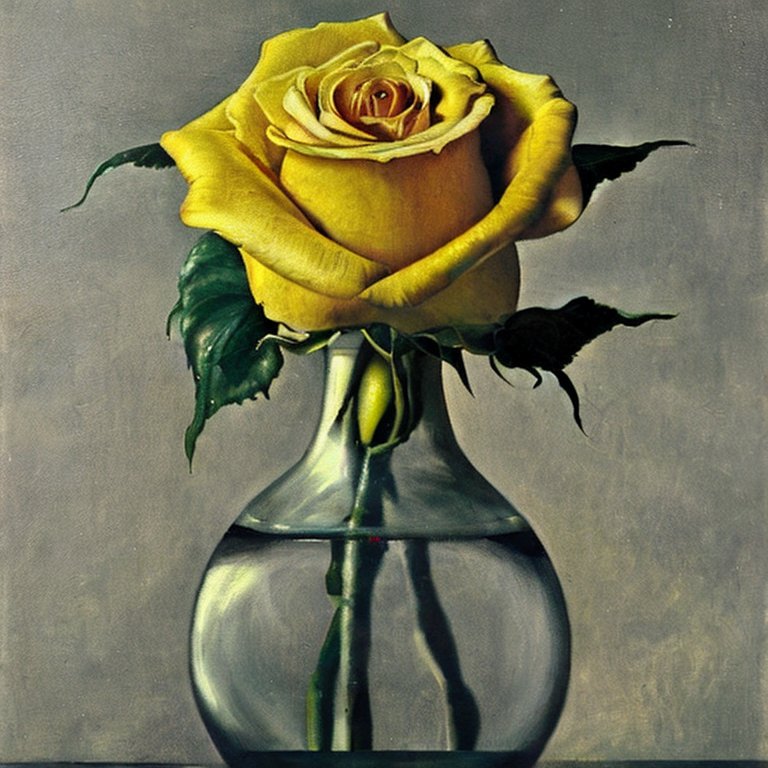
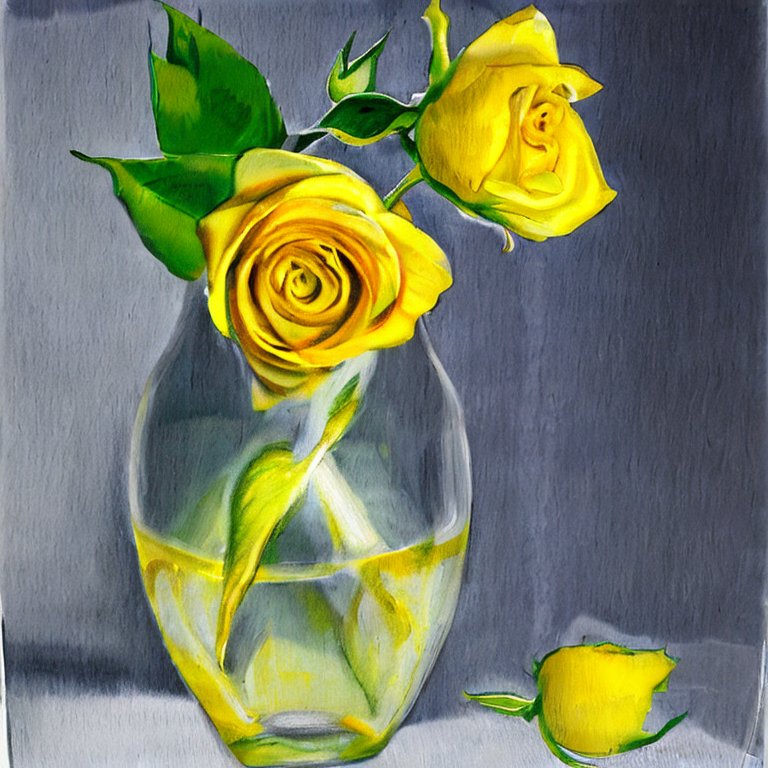

I joined Night Cafe for making AI art, because while each creation costs “credits,” they offer a lot more options and control over what you can make.
Every day, Night Cafe holds a contest where they announce a theme for members to submit AI art, then people vote on the entries — the one that averages the highest rating wins.
A few days ago, the theme was “Love.” After spending some time thinking about it, I decided what I wanted to do, and after a few tries, managed to create this image:
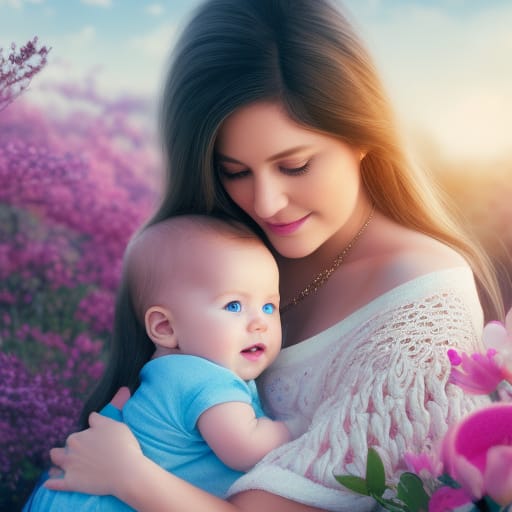
It was something of a trick, and I repeatedly specified that I wanted a “normal baby,” — with negative prompts for things like, “scary,” and “creepy.” I discovered earlier in my playing around with Stable Diffusion, that the AI has a hard time understanding what constitutes a “cute baby.”

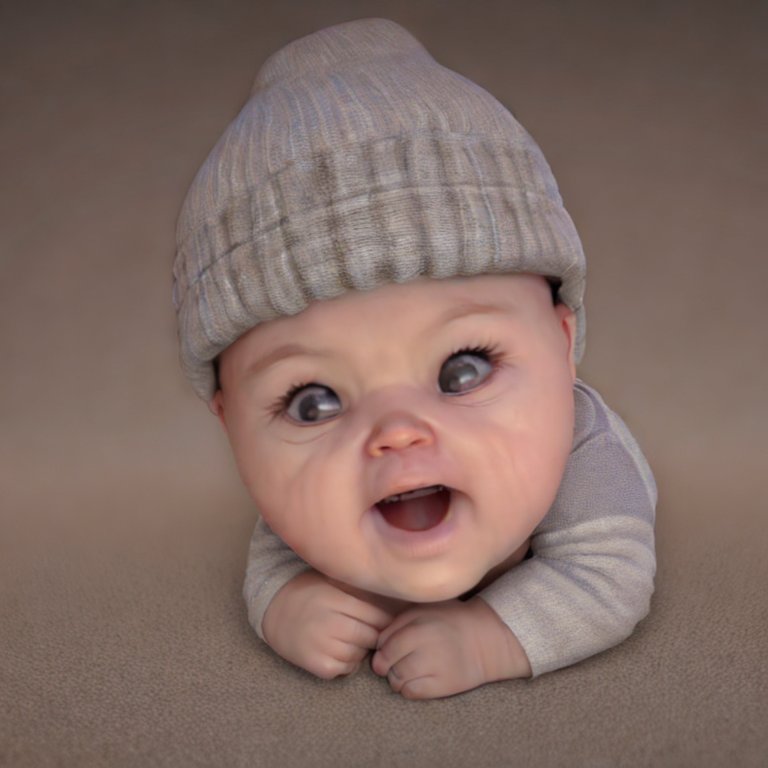
As much as I would have liked to have a dad present in a loving family portrait, the addition was beyond my current skill level. But, as a picture of a mother and baby, I’m really pleased with what I was able to create.
Motherhood has been getting dumped on for the last 50 years, to the point where women have internalized the misogynistic messages. You aren’t “just a mom.” You aren’t “wasting your life.” You ARE contributing to society — by raising and shaping the next generation. Please, stop listening to those toxic messages and learn to love yourself and what you are doing. Motherhood really is beautiful and important.
I wasn’t the only one who submitted a picture of a mother with a baby for this contest — a huge number of other people did, too. The winning picture was of an old man and woman, illustrating that Love is spending your life with someone.
Funny how it’s artificial intelligence that is revealing what people actually feel in their hearts.





Normally when I design a yarn pattern, I write down all of my notes on a piece of scrap paper, which usually ends up getting lost. This time, I decided to write them down on the computer, so I could post the pattern.
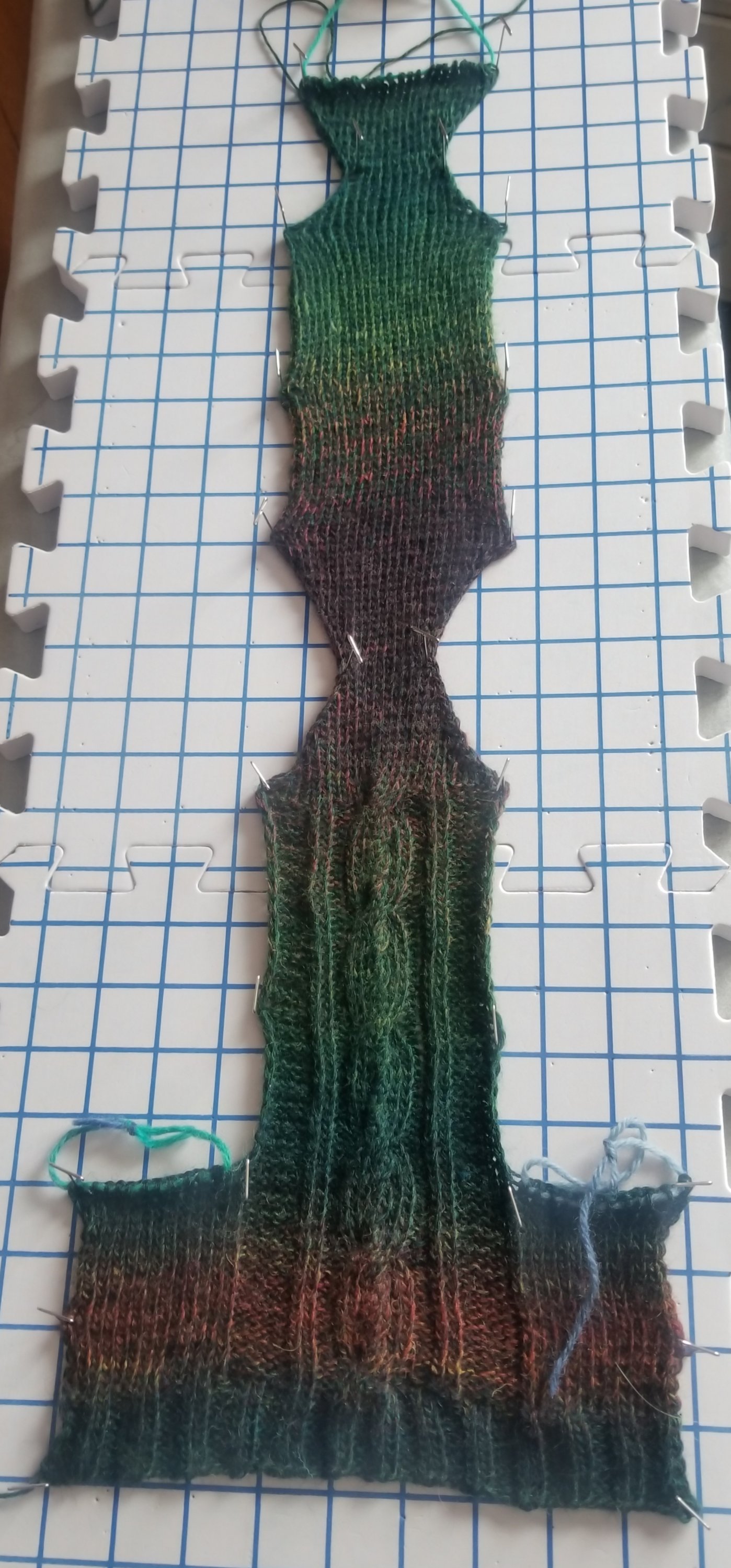
Usually socks are knitted in the round on double pointed needles, but as a mother of small children, this frequently means that I have to contend with little hands stealing the unheld knitting needles while I’m working. So, I decided to knit a pair of socks flat then sew them together, to see how I like it.
Skill level: Intermediate
Paton’s Kroy Socks yarn
size 4 needles
Gauge: Cable – 1.5 inch :: stockinette – 10sts – 1.75 inch
Foot diameter – 9 inches :: Shoe size – 8
CO 54 – (52 rib + 2 edge stitches) leave long tail for sewing
2×2 ribbing for 10 rows
Cable pattern in brackets []
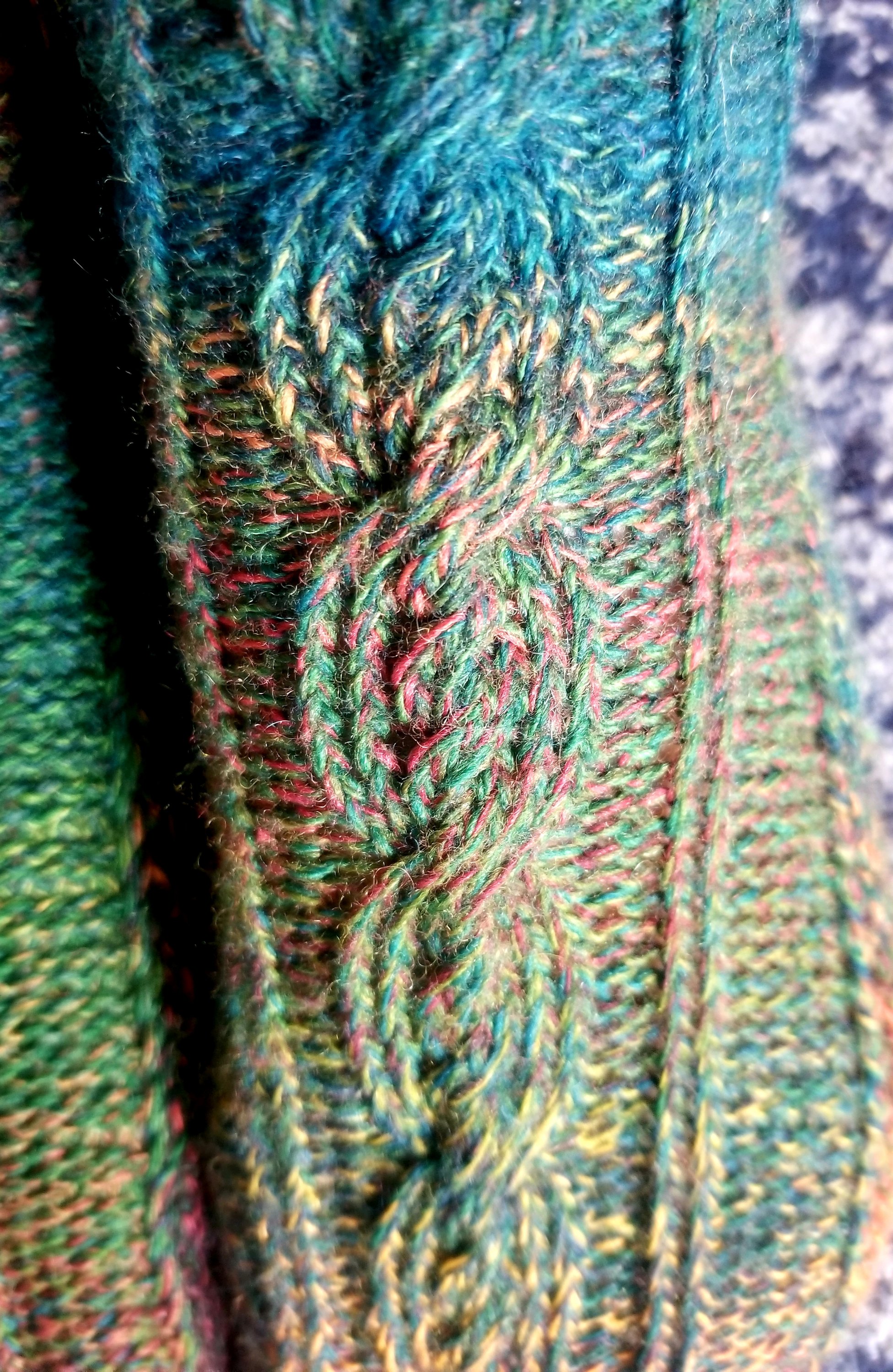
Row 1(RS): sl1, k13, p5, k2, p2, [k8], p2, k2, p5, k14
Row 2 (WS): s1, p13, k5, p2, k2, [p8], k2, p2, k5, p14
Row 3: s1, k13, p5, k2, p2, [c8b], p2, k2, p5, k14
Row 4: s1, p13, k5, p2, k2, [p8], k2, p2, k5, p14
Row 5: sl1, k13, p5, k2, p2, [k8], p2, k2, p5, k14
Row 6: s1, p13, k5, p2, k2, [p8], k2, p2, k5,, p14
Row 7: sl1, k13, p5, k2, p2, [k2, c4b, k2], p2, k2, p5, k14
Row 8: s1, p13, k5, p2, k2, [p8], k2, p2, k5,, p14
Row 9: sl1, k13, p5, k2, p2, [k8], p2, k2, p5, k14
Row 10: s1, p13, k5, p2, k2, [p8], k2, p2, k5, p14
Row 11: sl1, k13, p5, k2, p2, [k2, c4b, k2], p2, k2, p5, k14
Row 12: s1, p13, k5, p2, k2, [p8], k2, p2, k5, p14
Repeat 2x – 34 rows from CO
Row 1: sl1, k13, p5, k2, p2, [k8], p2, k2, p5, k1, place remaining 13 sts on holder
Row 2: sl1, k5, p2, k2, [p8], k2, p2, k5, p1, place remaining 13 sts on holder
Row 3: sl1, p5, k2, p2, [c8b], p2, k2, p6
Row 4: sl1, k5, p2, k2, [p8], k2, p2, k6,
etc
Repeat cable pattern till 40 rows total
Hourglass shape:
RS: sl1, ssk, knit across till 3 sts remain, k2tog, k1
WS: sl1, purl across
16 rows – 12sts (10sts + 2edge)
RS: sl1 m1l, knit across till 2 sts remain, m1r, k2
WS: sl1, purl across
Repeat till 28 sts (26 + 2edge) are on needles Finish hourglass.
Knit 40 rows in stockinette stitch
Make second hourglass shape. Keep sts (28) on needle.
Sew back of cuff
Transfer held sts to needle, and sew to other end using kitchener stitch, combining the two edge sts with the first and last stiches — should create a general sock shape with open sides.


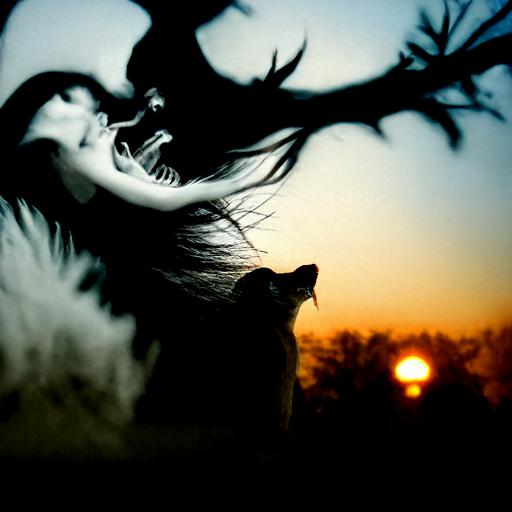
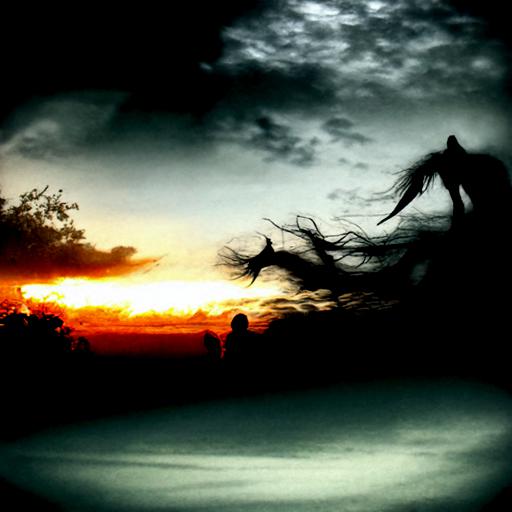
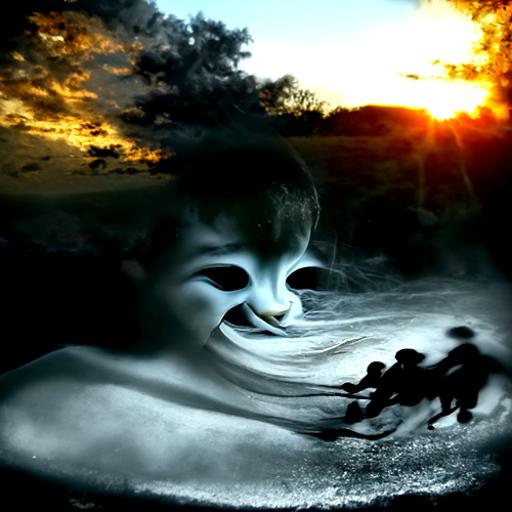


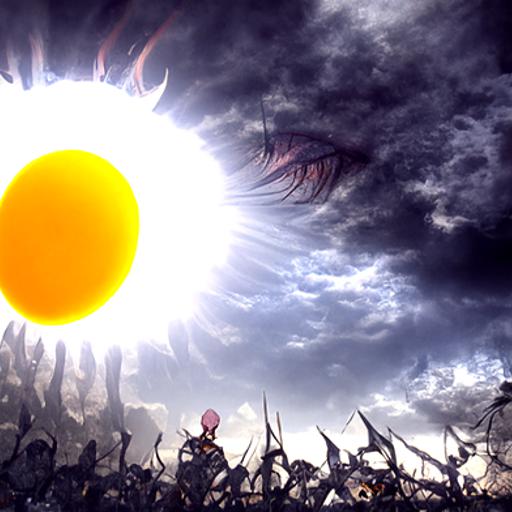
My husband’s work. I think he’s better at AI art than I am.

 By Autumn Rain